
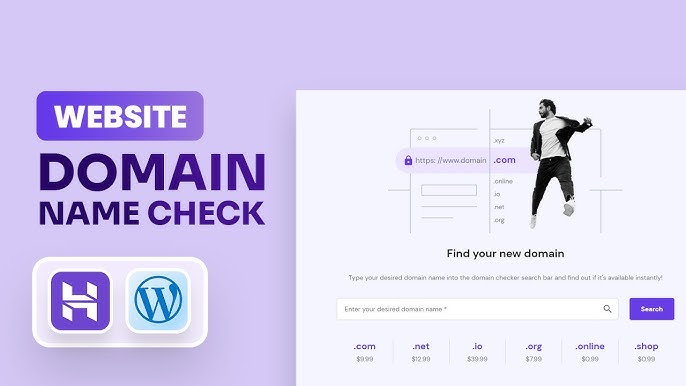
To check domain name availability, use a domain registrar’s search tool. You can also use online WHOIS services for more details.
How to Check Domain Name Availability:Choosing the right domain name is crucial for your online presence. It affects your branding and search engine visibility. Before purchasing, ensure the name is available to avoid future hassles. Many potential buyers overlook this vital step, leading to wasted time and resources.
Fortunately, checking availability is straightforward. Numerous online tools allow you to search quickly and easily. A good domain name enhances your credibility and helps attract visitors. This introductory guide will walk you through the essential steps to verify if your desired domain is free for registration. Make informed decisions to secure your ideal online identity.
Introduction To Domain Names
Domain names are essential for any website. They act as the address for your online presence. Choosing the right domain name can impact your brand’s visibility. A great domain name is memorable and easy to spell. Let’s explore why a good domain matters.
The Importance Of A Good Domain
A strong domain name boosts your online identity. Here are some reasons why:
- Brand Recognition: A unique name helps people remember you.
- Credibility: A professional domain builds trust with visitors.
- SEO Benefits: Keywords in your domain can improve search rankings.
- Social Media: Consistent branding helps across platforms.
Investing time in your domain name pays off. It reflects your business values and goals.
Basics Of Domain Name Registration
Understanding domain registration is crucial. Follow these steps:
- Choose a Domain Name: Keep it short and relevant.
- Select a Domain Extension: Common options are .com, .net, and .org.
- Check Availability: Use tools to see if your choice is free.
- Register Your Domain: Purchase through a domain registrar.
Here’s a simple table to compare popular domain extensions:
| Extension | Best For |
|---|---|
| .com | Businesses and commercial entities |
| .org | Nonprofits and organizations |
| .net | Networking and technology sites |
| .info | Informational websites |
Always double-check your domain name availability. A good domain can lead to success.
Credit: www.godaddy.com
Starting Your Search
Finding the perfect domain name is crucial. It represents your brand online. Begin your search with clear ideas. This process sets the stage for your website.
Brainstorming Domain Name Ideas
Start by jotting down keywords. These keywords should reflect your business or topic. Think about what makes your brand unique. Consider the following tips:
- Keep it short and simple.
- Avoid numbers and hyphens.
- Make it memorable and easy to spell.
- Use relevant keywords for SEO.
- Think about your target audience.
Try combining words. Use different languages or variations. Create a list of at least ten ideas. This variety increases your chances of finding an available domain.
Utilizing Domain Name Generators
Domain name generators simplify the search process. They offer creative suggestions based on your keywords. Here’s how to use them:
- Enter your main keywords.
- Select the type of domain (.com, .net, etc.).
- Review the generated names.
- Check for availability.
Some popular tools include:
| Domain Name Generator | Features |
|---|---|
| NameMesh | Suggests names based on categories. |
| Lean Domain Search | Combines your keyword with other terms. |
| Wordoid | Creates unique, made-up names. |
These tools make brainstorming fun and productive. They save time and spark creativity.
Using Online Domain Checkers
Checking domain name availability is crucial before purchasing. Online domain checkers make this process easy and fast. They help you find out if a domain is taken or available. Many tools offer additional features like suggestions and price comparisons. Here’s how to use them effectively.
Top Domain Checking Tools
| Tool Name | Features | Price |
|---|---|---|
| GoDaddy | Domain search, hosting, website builder | Varies by domain |
| Namecheap | Domain check, SSL, email hosting | Starts at $0.88 |
| Bluehost | Free domain with hosting, easy search | Starting at $2.95/month |
| HostGator | Domain checker, website hosting | Starts at $2.75/month |
How To Use A Domain Name Checker
- Select a domain checker tool.
- Enter your desired domain name.
- Choose the domain extension.
- Click the search button.
- Review the results.
Follow these steps to check availability easily. Most tools show if the domain is taken. They also suggest alternatives. This helps you find the perfect name. Save time and effort by using online domain checkers.
Checking Domain Name Availability Manually
Finding a domain name that fits your brand is essential. Checking its availability manually can save time and frustration. This process helps you discover if your desired name is free.
Searching Through Registrars
Start by visiting domain registrars. These sites let you check domain names easily. Here are some popular registrars:
- GoDaddy
- Namecheap
- Bluehost
- HostGator
Follow these steps:
- Visit the registrar’s website.
- Find the search bar on the homepage.
- Type your desired domain name.
- Click the search button.
The registrar will show if the name is available. If it’s taken, they will suggest alternatives. This helps you brainstorm new ideas.
Exploring Alternative Domain Extensions
Not every domain needs a .com extension. Many options exist that can suit your brand. Consider these popular extensions:
| Extension | Best For |
|---|---|
| .net | Tech companies |
| .org | Nonprofits and organizations |
| .co | Startups and businesses |
| .info | Information sites |
Using alternative extensions can still create a strong online presence. Choose one that reflects your brand’s identity. This can open more opportunities.
Understand Domain Name Extensions
Choosing the right domain name is crucial for your online presence. One key aspect to consider is the domain name extension. This part comes after the dot in a web address. It can affect your brand’s credibility and visibility.
Popular Vs. Niche Tlds
Domain name extensions, also known as Top-Level Domains (TLDs), vary widely. They can be grouped into two main categories: popular and niche.
| Type | Examples | Usage |
|---|---|---|
| Popular TLDs | .com, .org, .net | Widely recognized and trusted |
| Niche TLDs | .tech, .design, .photography | Target specific audiences |
Popular TLDs are often the first choice. They convey trust and familiarity. Niche TLDs can showcase your specialty. They attract specific audiences.
Pros And Cons Of Different Extensions
Each domain extension has its advantages and disadvantages. Understanding these can help you make the best choice.
- Popular TLDs:
- Pros:
- High recognition
- Established trust
- Cons:
- More competition
- Higher costs
- Pros:
- Niche TLDs:
- Pros:
- Unique branding
- Targeted marketing
- Cons:
- Less recognition
- May appear less professional
- Pros:
Choose wisely based on your brand goals. Weigh the pros and cons. This will help in selecting the right extension for your domain name.
Credit: www.godaddy.com
Assessing Domain Name Value
Understanding domain name value is crucial before purchasing. A valuable domain can enhance your online presence. It can drive more traffic to your website. Assessing its worth helps in making informed decisions.
Factors Affecting Domain Prices
Several factors influence domain prices. Here are the main aspects to consider:
| Factor | Description |
|---|---|
| Length | Shorter domains are often more valuable. |
| Keywords | Domains with popular keywords rank higher. |
| Extension | .com domains usually cost more. |
| Brandability | Unique names that are easy to remember are valuable. |
| Age | Older domains can have more credibility. |
When To Consider Premium Domains
Premium domains can be a smart investment. Here are situations to consider:
- Your business is growing: A premium domain can boost visibility.
- Targeting a competitive market: Stand out with a unique domain.
- Building a brand: A memorable name enhances brand recognition.
- Wanting SEO advantages: Keywords in the domain can improve ranking.
Investing in a premium domain can lead to higher returns. Assess its value carefully before making a purchase.
Avoiding Trademark Issues
Checking domain name availability is crucial. It prevents potential trademark conflicts. Protect your brand by ensuring the name you want isn’t already taken. This section covers how to avoid trademark issues.
Conducting A Trademark Search
Start your process with a trademark search. This step helps identify existing trademarks. Follow these steps:
- Visit the United States Patent and Trademark Office (USPTO) website.
- Use the Trademark Electronic Search System (TESS).
- Enter your desired domain name.
- Check for similar trademarks.
Look for trademarks that sound alike or look similar. Even slight variations can lead to confusion.
Understanding The Legal Implications
Trademark law protects brand names and logos. Using a trademarked name can lead to legal trouble. Here are key points to consider:
- Trademark infringement can result in lawsuits.
- Infringement may lead to financial penalties.
- You may need to change your domain name.
Consider the following table for quick reference:
| Legal Aspect | Implication |
|---|---|
| Infringement | Can lead to lawsuits. |
| Financial Penalties | May incur significant costs. |
| Name Change | Can disrupt your branding efforts. |
Always seek legal advice if unsure. This ensures your domain name is safe from trademark issues.

Credit: blog.hubspot.com
Securing Your Domain Name
Securing your domain name is crucial for your online presence. A unique domain name represents your brand. It builds trust and credibility among users. Before purchasing, you must check its availability.
Navigating The Purchase Process
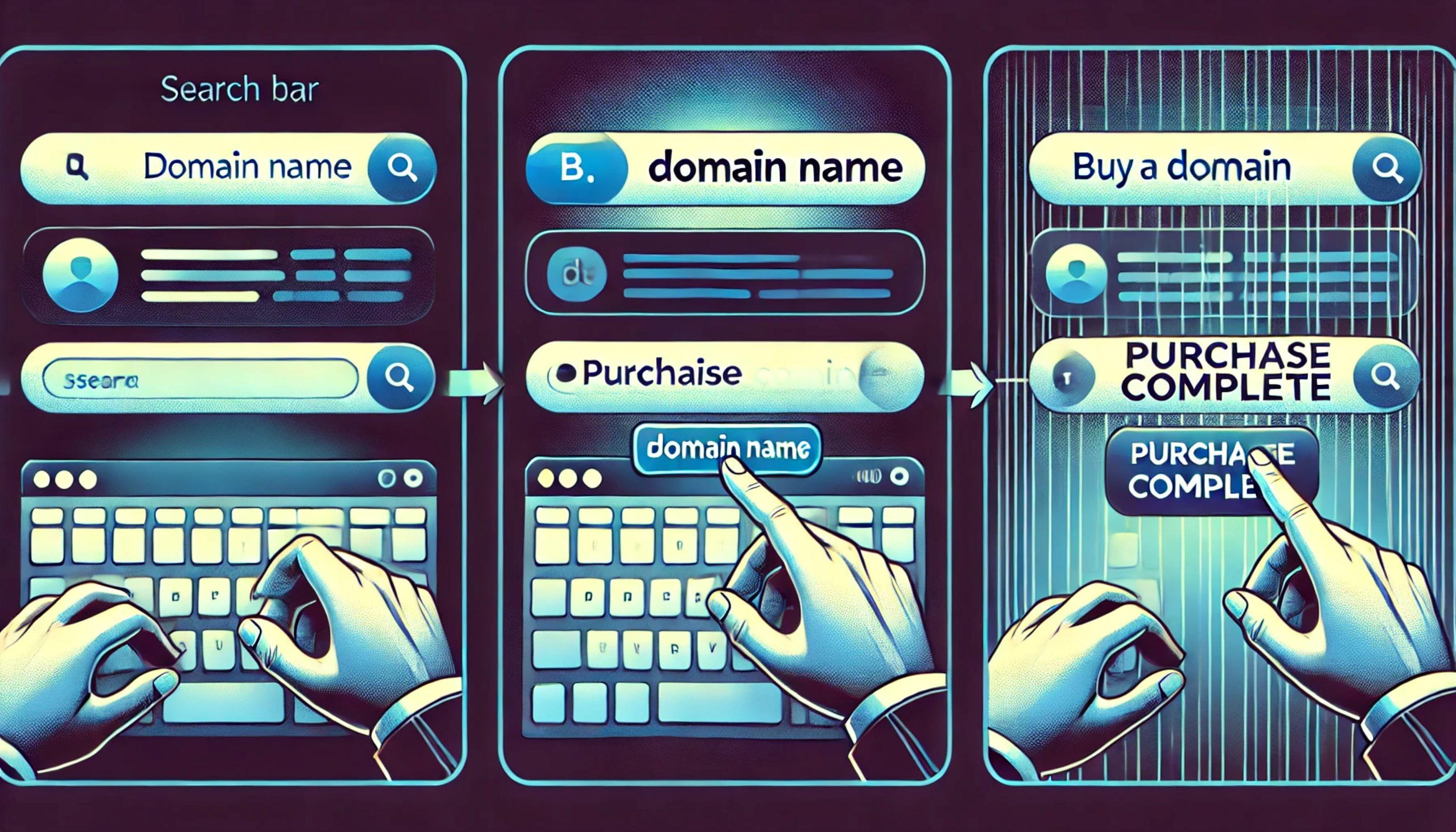
Finding and purchasing a domain name can be straightforward. Follow these steps:
- Visit a domain registrar website.
- Type your desired domain name in the search box.
- Check if the domain is available.
- Select your domain and add it to the cart.
- Proceed to checkout and provide payment details.
Many registrars offer tools to suggest similar names. This helps you find alternatives if your first choice is taken. Choose a name that reflects your brand well.
Protecting Your Domain Privacy
Protecting your domain privacy is essential. It prevents your personal information from being public. Here are some options:
- WHOIS Privacy Protection: Hides your contact details.
- Domain Locking: Prevents unauthorized transfers.
- Renewal Alerts: Keeps you informed about expirations.
Many registrars offer privacy options during checkout. Always consider these features to enhance security. Protecting your identity builds trust with your audience.
| Privacy Feature | Description |
|---|---|
| WHOIS Privacy Protection | Hides your information from public databases. |
| Domain Locking | Prevents unwanted domain transfers. |
| Renewal Alerts | Notifies you before domain expiration. |
Alternative Strategies
Finding a perfect domain name can be tough. Sometimes, your desired name may already be taken. Here are two alternative strategies to explore.
Considering Domain Auctions
Domain auctions offer a chance to acquire popular domain names. Various platforms host these auctions. Here’s how to navigate them:
- Research Auction Sites: Check sites like Sedo, GoDaddy, and Flippa.
- Set a Budget: Decide how much you can spend.
- Bid Wisely: Start with a low bid. Increase only if necessary.
Monitor active auctions. Use notifications to stay updated. You might find a great domain at a reasonable price.
Negotiating With Current Owners
If a domain name is taken, consider contacting the owner. Negotiation can lead to a successful purchase. Follow these steps:
- Find Contact Information: Use WHOIS databases to locate the owner.
- Craft a Polite Email: Introduce yourself. Express interest in the domain.
- Make a Fair Offer: Suggest a price based on your research.
Be respectful and patient. Some owners may not reply immediately. Maintain a positive attitude throughout the process.
Frequently Asked Questions
How Do I Check Domain Name Availability?
To check domain name availability, visit a domain registrar’s website. Enter your desired domain name in the search bar. The site will indicate if the domain is available or already taken. If it’s not available, consider variations or alternative extensions.
What Tools Can I Use To Find Domain Names?
Many online tools help find domain names. Popular options include Namecheap, GoDaddy, and Bluehost. These platforms allow you to search for available domains and suggest alternatives. Some tools also offer domain name generators based on keywords you provide.
Can I Register A Domain Name Instantly?
Yes, you can register a domain name instantly. Most domain registrars allow immediate registration once you find an available name. Simply follow their checkout process to secure your domain. Ensure you provide accurate contact details during registration for verification purposes.
What Is The Cost Of Registering A Domain Name?
The cost of registering a domain name varies widely. Generally, prices range from $10 to $50 per year. Premium domains or specific extensions may cost more. Always check for renewal fees, as they can differ from the initial registration price.
Conclusion
Checking domain name availability is crucial for securing your online presence. By following the steps outlined in this guide, you can ensure you choose the perfect name for your brand. Take your time during this process. A thoughtful selection can lead to long-term success and visibility in the digital space.


Leave a Reply