
Choosing the right cybersecurity solution involves assessing your company’s specific needs and evaluating available options. Focus on scalability, ease of use, and compliance with industry regulations.
Guide to Choosing a Cybersecurity Solution for Your Company:Cybersecurity is essential for protecting your company’s sensitive data and maintaining trust with customers. With increasing cyber threats, selecting an effective solution becomes crucial. Organizations face unique challenges that require tailored strategies. Start by identifying vulnerabilities within your current systems.
Consider the size of your business, the nature of your operations, and regulatory requirements. Research various solutions, including firewalls, antivirus software, and intrusion detection systems. A comprehensive approach not only mitigates risks but also enhances your overall security posture. Investing in the right cybersecurity measures safeguards your assets and promotes business continuity in an ever-evolving digital landscape.
Introduction To Cybersecurity In Business
Cybersecurity is vital for modern businesses. It protects data and systems from threats. Every company faces risks in the digital world. Understanding these risks helps in choosing the right solutions.
The Importance Of Digital Security
Digital security is crucial for several reasons:
- Data Protection: Safeguards sensitive information.
- Reputation Management: Maintains trust with clients.
- Regulatory Compliance: Meets legal requirements.
- Operational Continuity: Prevents business disruptions.
Investing in cybersecurity builds a strong foundation. It shows clients that you care about their data.
Risks Of Inadequate Cyber Protections
Not having strong cybersecurity can lead to severe issues:
- Data Breaches: Loss of sensitive information.
- Financial Loss: Costs for recovery can be high.
- Legal Consequences: Fines for not meeting regulations.
- Loss of Customer Trust: Clients may leave if their data is unsafe.
Companies must recognize these risks. A proactive approach can save time and money.
| Risk | Impact |
|---|---|
| Data Breach | Loss of customer data and privacy |
| Financial Loss | High costs for recovery and penalties |
| Legal Consequences | Fines and lawsuits |
| Loss of Customer Trust | Reduced sales and reputation damage |
Understanding these risks helps guide decision-making. Strong cybersecurity is not just an option; it’s essential.
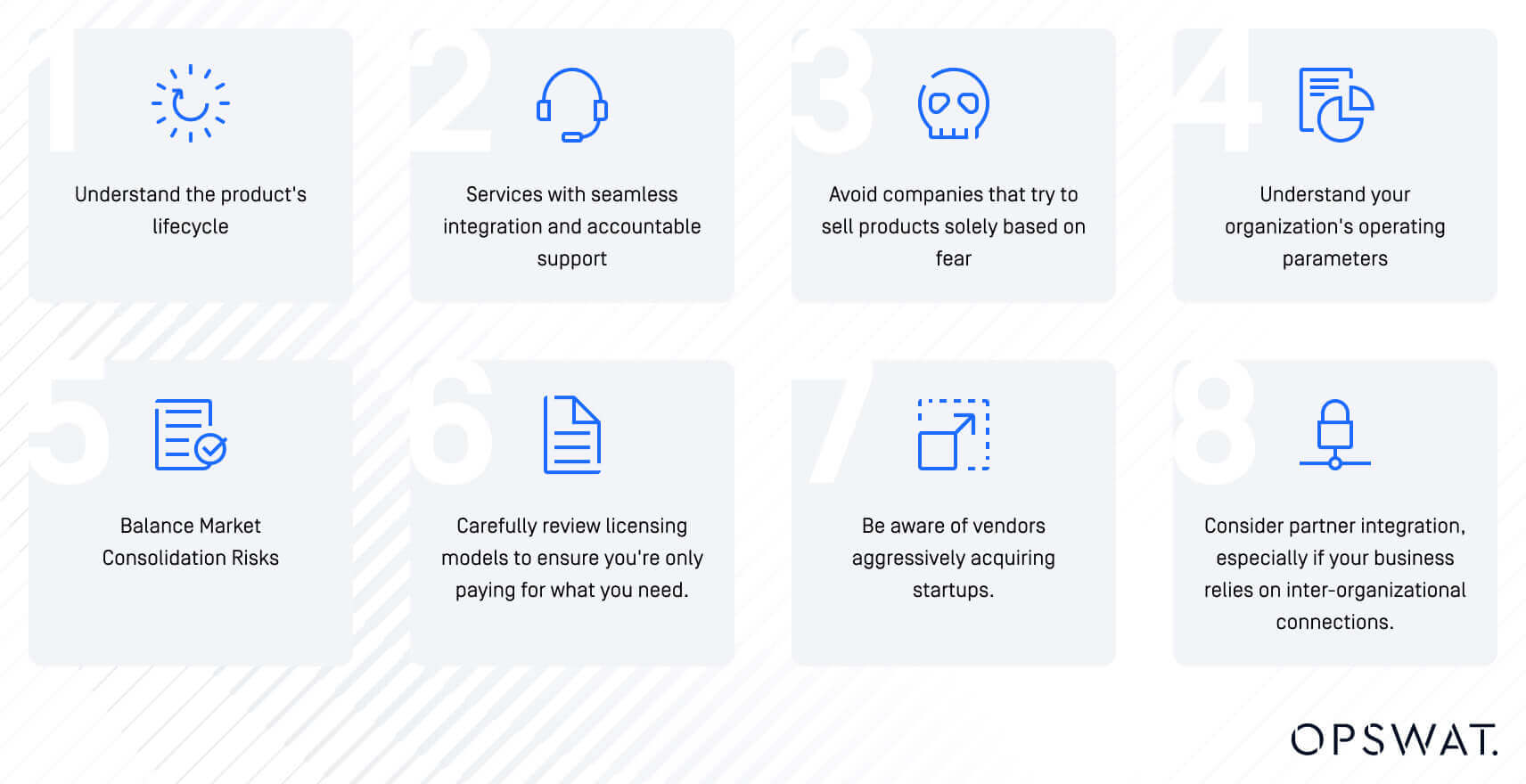
Credit: www.opswat.com
Evaluating Company Needs
Understanding your company’s unique requirements is crucial in choosing the right cybersecurity solution. Every business has distinct vulnerabilities and strengths. Evaluating needs helps you select the best protection available.
Assessing Your Digital Footprint
Your digital footprint includes all online activities. This covers websites, social media, and cloud services. Assessing it helps identify potential vulnerabilities.
- List all online platforms your company uses.
- Identify sensitive data stored on these platforms.
- Check for user access levels and permissions.
To better understand your digital presence, consider creating a table:
| Platform | Type of Data | Access Level |
|---|---|---|
| Website | Customer Data | Admin, User |
| Social Media | Marketing Data | Public, Admin |
| Cloud Services | Business Documents | Admin, Limited User |
Understanding Threat Landscape
- Phishing Attacks: Fraudulent emails trick users.
- Malware: Malicious software disrupts systems.
- Ransomware: Attackers hold data hostage for money.
- Data Breaches: Unauthorized access to sensitive information.
Stay updated on the latest threats by following cybersecurity news. This knowledge will help you make informed decisions.
“`
Types Of Cybersecurity Solutions
Choosing the right cybersecurity solution is vital for your company. Different solutions focus on various aspects of security. Here are some of the main types you should consider.
Firewalls And Network Security
Firewalls act as barriers between your network and threats. They monitor incoming and outgoing traffic.
- Types of firewalls include:
- Packet-filtering firewalls
- Stateful inspection firewalls
- Next-generation firewalls
Network security involves protecting your network from intrusions. Key elements include:
| Element | Description |
|---|---|
| Access Control | Limits who can enter your network. |
| VPN | Creates a secure connection over the internet. |
| Network Segmentation | Divides the network to enhance security. |
Endpoint Protection Platforms
Endpoint protection platforms (EPP) secure endpoints like computers and mobile devices. They prevent malware and unauthorized access.
- Key features of EPP include:
- Antivirus and anti-malware protection
- Data encryption
- Device control
Many EPP solutions offer:
- Real-time monitoring
- Threat intelligence
- Automated response capabilities
Intrusion Detection Systems
Intrusion Detection Systems (IDS) monitor your network for suspicious activity. They alert you to potential threats.
- Two main types of IDS are:
- Network-based IDS
- Host-based IDS
Key functions of IDS include:
| Function | Description |
|---|---|
| Traffic Analysis | Scans network traffic for anomalies. |
| Alerting | Notifies administrators of potential breaches. |
| Reporting | Provides detailed logs for analysis. |
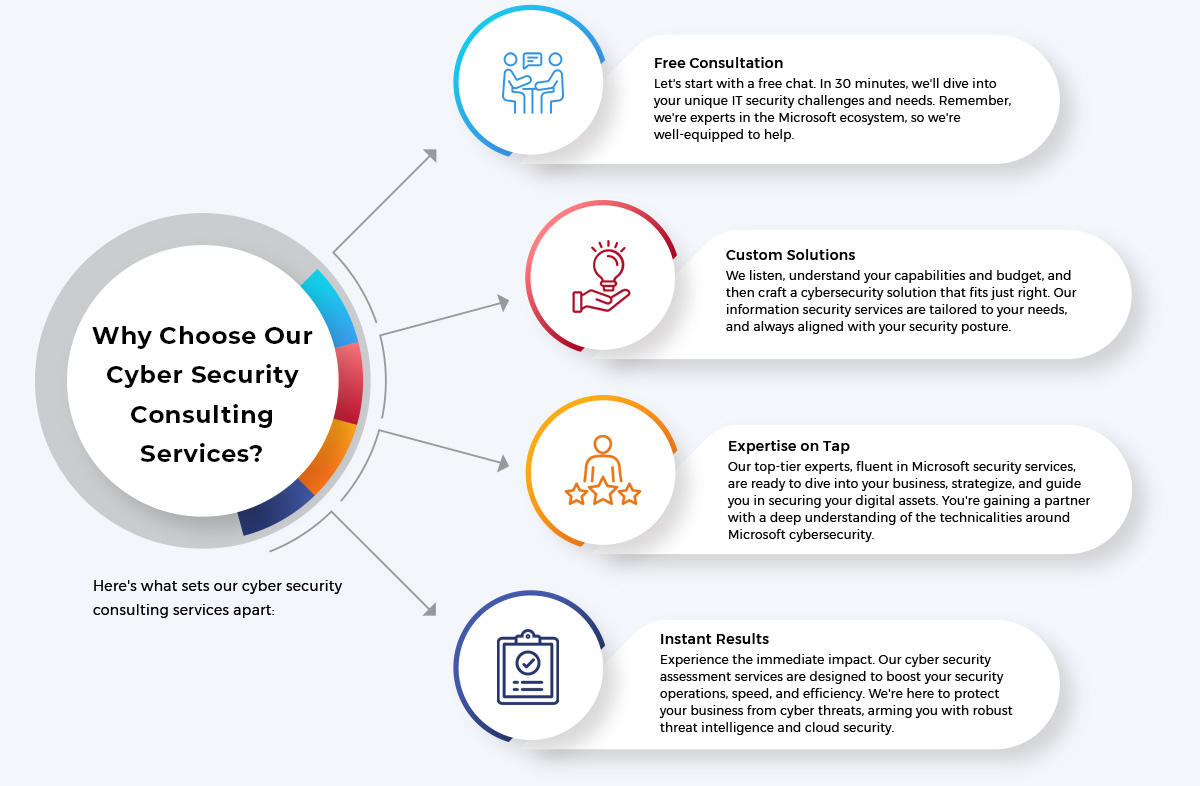
Credit: www.beyondkey.com
Key Features To Consider
Selecting a cybersecurity solution requires careful thought. Focus on key features that ensure your company’s safety. These features can protect your business from various threats.
Real-time Monitoring Capabilities
Real-time monitoring is crucial for detecting threats quickly. Look for solutions that offer:
- 24/7 Monitoring: Continuous oversight of your network.
- Alert Systems: Immediate notifications for suspicious activities.
- Dashboard Access: User-friendly interface to view security status.
These capabilities help you respond swiftly to potential breaches. They also reduce the risk of significant damage.
Automated Response And Mitigation
Automated responses save time during an attack. Choose solutions that include:
- Instant Threat Isolation: Automatically cuts off infected devices.
- Predefined Actions: S