
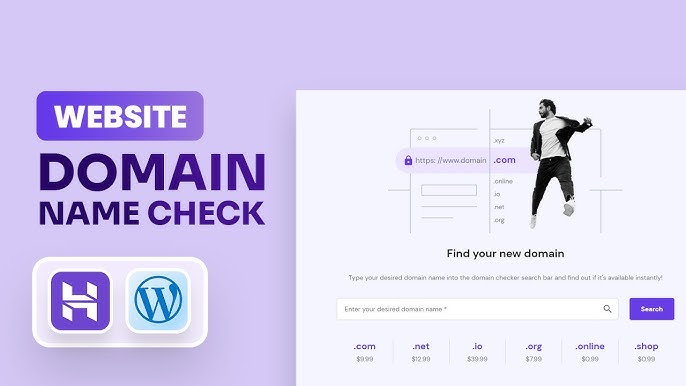
To check domain name availability, use a domain registrar’s search tool. You can also use online WHOIS services for more details.
How to Check Domain Name Availability:Choosing the right domain name is crucial for your online presence. It affects your branding and search engine visibility. Before purchasing, ensure the name is available to avoid future hassles. Many potential buyers overlook this vital step, leading to wasted time and resources.
Fortunately, checking availability is straightforward. Numerous online tools allow you to search quickly and easily. A good domain name enhances your credibility and helps attract visitors. This introductory guide will walk you through the essential steps to verify if your desired domain is free for registration. Make informed decisions to secure your ideal online identity.
Introduction To Domain Names
Domain names are essential for any website. They act as the address for your online presence. Choosing the right domain name can impact your brand’s visibility. A great domain name is memorable and easy to spell. Let’s explore why a good domain matters.
The Importance Of A Good Domain
A strong domain name boosts your online identity. Here are some reasons why:
- Brand Recognition: A unique name helps people remember you.
- Credibility: A professional domain builds trust with visitors.
- SEO Benefits: Keywords in your domain can improve search rankings.
- Social Media: Consistent branding helps across platforms.
Investing time in your domain name pays off. It reflects your business values and goals.
Basics Of Domain Name Registration
Understanding domain registration is crucial. Follow these steps:
- Choose a Domain Name: Keep it short and relevant.
- Select a Domain Extension: Common options are .com, .net, and .org.
- Check Availability: Use tools to see if your choice is free.
- Register Your Domain: Purchase through a domain registrar.
Here’s a simple table to compare popular domain extensions:
| Extension | Best For |
|---|---|
| .com | Businesses and commercial entities |
| .org | Nonprofits and organizations |
| .net | Networking and technology sites |
| .info | Informational websites |
Always double-check your domain name availability. A good domain can lead to success.
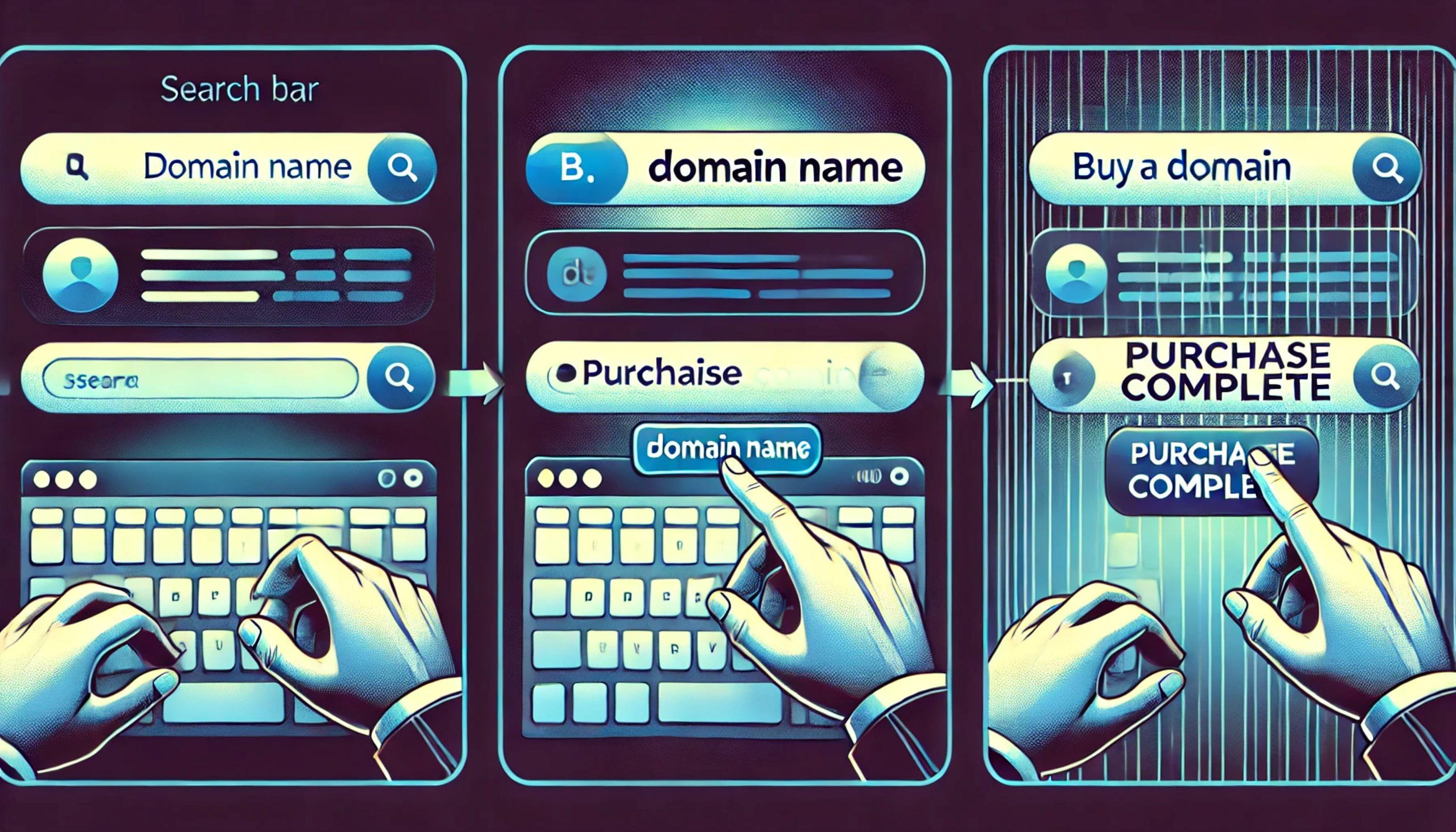
Credit: www.godaddy.com
Starting Your Search
Finding the perfect domain name is crucial. It represents your brand online. Begin your search with clear ideas. This process sets the stage for your website.
Brainstorming Domain Name Ideas
Start by jotting down keywords. These keywords should reflect your business or topic. Think about what makes your brand unique. Consider the following tips:
- Keep it short and simple.
- Avoid numbers and hyphens.
- Make it memorable and easy to spell.
- Use relevant keywords for SEO.
- Think about your target audience.
Try combining words. Use different languages or variations. Create a list of at least ten ideas. This variety increases your chances of finding an available domain.
Utilizing Domain Name Generators
Domain name generators simplify the search process. They offer creative suggestions based on your keywords. Here’s how to use them:
- Enter your main keywords.
- Select the type of domain (.com, .net, etc.).
- Review the generated names.
- Check for availability.
Some popular tools include:
| Domain Name Generator | Features |
|---|---|
| NameMesh | Suggests names based on categories. |
| Lean Domain Search | Combines your keyword with other terms. |
| Wordoid | Creates unique, made-up names. |
These tools make brainstorming fun and productive. They save time and spark creativity.
Using Online Domain Checkers
Checking domain name availability is crucial before purchasing. Online domain checkers make this process easy and fast. They help you find out if a domain is taken or available. Many tools offer additional features like suggestions and price comparisons. Here’s how to use them effectively.
Top Domain Checking Tools
| Tool Name | Features | Price |
|---|---|---|
| GoDaddy | Domain search, hosting, website builder | Varies by domain |
| Namecheap | Domain check, SSL, email hosting | Starts at $0.88 |
| Bluehost | Free domain with hosting, easy search | Starting at $2.95/month |
| HostGator | Domain checker, website hosting | Starts at $2.75/month |
How To Use A Domain Name Checker
- Select a domain checker tool.
- Enter your desired domain name.
- Choose the domain extension.
- Click the search button.
- Review the results.
Follow these steps to check availability easily. Most tools show if the domain is taken. They also suggest alternatives. This helps you find the perfect name. Save time and effort by using online domain checkers.
Checking Domain Name Availability Manually
Finding a domain name that fits your brand is essential. Checking its availability manually can save time and frustration. This process helps you discover if your desired name is free.
Searching Through Registrars
Start by visiting domain registrars. These sites let you check domain names easily. Here are some popular registrars:
- GoDaddy
- Namecheap
- Bluehost
- HostGator
Follow these steps:
- Visit the registrar’s website.
- Find the search bar on the homepage.
- Type your desired domain name.
- Click the search button.
The registrar will show if the name is available. If it’s taken, they will suggest alternatives. This helps you brainstorm new ideas.
Exploring Alternative Domain Extensions
Not every domain needs a .com extension. Many options exist that can suit your brand. Consider these popular extensions:
| Extension | Best For |
|---|---|
| .net | Tech companies |
| .org | Nonprofits and organizations |
| .co | Startups and businesses |
| .info | Information sites |
Using alternative extensions can still create a strong online presence. Choose one that reflects your brand’s identity. This can open more opportunities.
Understand Domain Name Extensions
Choosing the right domain name is crucial for your online presence. One key aspect to consider is the domain name extension. This part comes after the dot in a web address. It can affect your brand’s credibility and visibility.
Popular Vs. Niche Tlds
Domain name extensions, also known as Top-Level Domains (TLDs), vary widely. They can be grouped into two main categories: popular and niche.
| Type | Examples | Usage |
|---|---|---|
| Popular TLDs | .com, .org, .net | Widely recognized and trusted |
| Niche TLDs | .tech, .design, .photography | Target specific audiences |
Popular TLDs are often the first choice. They convey trust and familiarity. Niche TLDs can showcase your specialty. They attract specific audiences.
Pros And Cons Of Different Extensions
Each domain extension has its advantages and disadvantages. Understanding these can help you make the best choice.
- Popular TLDs:
- Pros:
- High recognition
- Established trust
- Cons:
- More competition
- Higher costs
- Pros:
- Niche TLDs:
- Pros:
- Unique branding
- Targeted marketing
- Cons:
- Less recognition
- May appear less professional
- Pros:
Choose wisely based on your brand goals. Weigh the pros and cons. This will help in selecting the right extension for your domain name.
Credit: www.godaddy.com
Assessing Domain Name Value
Understanding domain name value is crucial before purch