

To integrate push notifications into your mobile app, choose a reliable push notification service and implement its SDK. Customize notifications to engage users effectively.
How to Integrate Push Notifications:Push notifications are a powerful tool for enhancing user engagement in mobile apps. They allow real-time communication, keeping users informed about updates, promotions, and important messages. By integrating push notifications, developers can drive user retention and improve overall app performance.
Clear guidelines exist for integrating these notifications seamlessly into your app. Understanding the technical requirements and best practices is essential for maximizing their impact. This guide will walk you through the steps to successfully implement push notifications, ensuring your users remain connected and engaged with your app. Start enhancing your user experience today by leveraging this vital feature.
Introduction To Push Notifications
Push notifications are messages sent from an app to a user’s device. They appear on the screen even when the app is not open. These messages can inform users about updates, offers, or important news. Integrating push notifications boosts user engagement and retention.
Benefits For App Engagement
Push notifications offer many benefits. Here are some key advantages:
- Increased User Retention: Regular updates keep users coming back.
- Enhanced User Experience: Notifications provide timely information.
- Improved Conversion Rates: Targeted messages can drive sales.
- Real-Time Communication: Users receive immediate updates.
Types Of Push Notifications
Different types of push notifications cater to various needs:
| Type | Description |
|---|---|
| Transactional Notifications | Sent after a user action, like a purchase. |
| Promotional Notifications | Offers, discounts, and special deals. |
| Reminder Notifications | Remind users about events or appointments. |
| News Updates | Inform users about the latest news or features. |
Getting Started With Push Notifications
Push notifications are a powerful tool for engaging users. They help apps stay relevant and interactive. Setting them up correctly is crucial for success. Here’s how to begin integrating push notifications into your mobile app.
Choosing The Right Service Provider
Selecting a reliable service provider is essential. They handle sending notifications effectively. Here are some popular options:
- Firebase Cloud Messaging (FCM): Free and easy to use.
- OneSignal: Great for marketing and analytics.
- Airship: Excellent for targeted messaging.
- Pusher: Focuses on real-time notifications.
Consider these factors:
| Provider | Cost | Features |
|---|---|---|
| FCM | Free | Basic notifications |
| OneSignal | Free/Paid | Analytics and segmentation |
| Airship | Paid | Advanced targeting |
| Pusher | Paid | Real-time features |
Choose a provider that suits your app’s needs. Analyze pricing, features, and ease of integration.
Understanding User Permissions
User permissions are vital for push notifications. Always ask for permission before sending notifications. Here’s how to manage permissions:
- Request Permission: Prompt users when they first open the app.
- Explain Benefits: Tell users how notifications enhance their experience.
- Provide Options: Allow users to customize notification settings.
Be clear and concise in your messaging. Respect user choices to build trust.
Integrating push notifications can greatly benefit your app. Start with the right service provider and respect user permissions.
Designing Effective Notifications
Effective notifications grab attention and drive user engagement. Well-designed notifications can increase app usage and user satisfaction. Focus on clarity, relevance, and timing.
Crafting Compelling Messages
Messages should be clear and concise. Use simple language to convey your point. Here are some tips:
- Be Brief: Keep messages under 100 characters.
- Use Action Words: Start with a verb to prompt action.
- Personalize: Include the user’s name or preferences.
- Highlight Benefits: Explain why the notification matters.
Consider this example:
| Notification | Effectiveness |
|---|---|
| “John, check out your new offers!” | Personalized and engaging |
| “New features available now!” | Generic and less compelling |
Incorporating Visual Elements
Visuals enhance notifications and capture attention. Use icons and images wisely:
- Icons: Use recognizable symbols to convey messages quickly.
- Brand Colors: Stick to your app’s color scheme for consistency.
- Images: Use relevant images that support the message.
Follow these guidelines:
- Keep visuals simple.
- Avoid clutter in the notification.
- Test different designs for effectiveness.
Incorporating these elements can increase user interaction rates significantly.
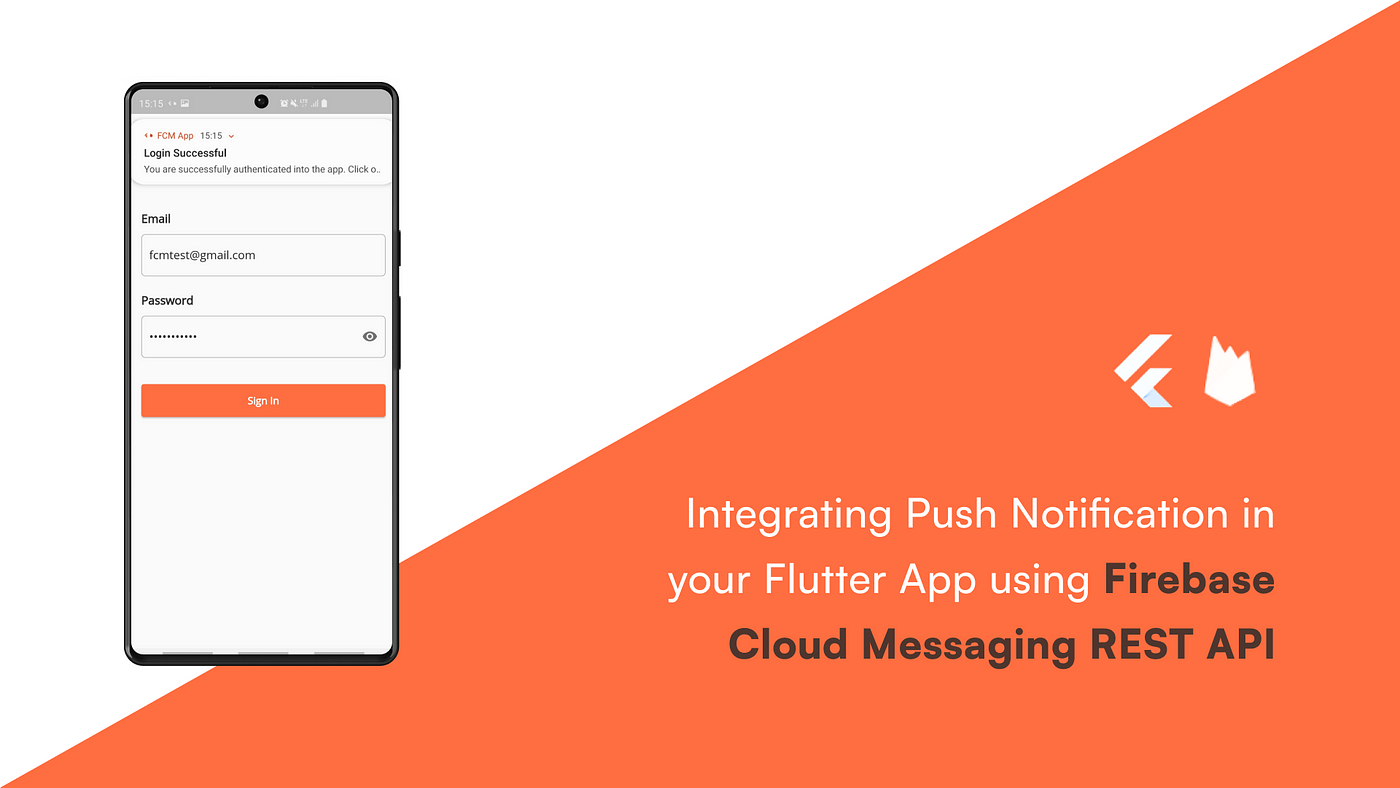
Credit: medium.com
Timing And Frequency
Choosing the right timing and frequency for push notifications is crucial. Too many notifications can annoy users. Too few can lead to disengagement. Finding the perfect balance is essential for user retention.
Best Practices For Scheduling
Effective scheduling enhances user experience. Consider these best practices:
- Understand Your Audience: Know when users are most active.
- Time Zones Matter: Schedule notifications based on user locations.
- Test Different Times: Experiment with various sending times.
- Use Analytics: Analyze data to refine your timing strategy.
| Time of Day | Engagement Level |
|---|---|
| Morning (8 AM – 10 AM) | High |
| Afternoon (12 PM – 2 PM) | Medium |
| Evening (6 PM – 8 PM) | High |
| Late Night (10 PM – 12 AM) | Low |
Avoiding Notification Fatigue
Too many notifications can lead to user fatigue. Follow these steps to avoid overwhelming users:
- Limit Frequency: Send notifications sparingly.
- Personalize Content: Make notifications relevant to users.
- Segment Users: Target specific groups with tailored messages.
- Provide Control: Allow users to customize their notification settings.
Implementing these strategies can enhance user engagement. Users will appreciate your consideration. Focus on quality over quantity for better results.
Segmentation And Personalization
Segmentation and personalization are vital for effective push notifications. They help you connect with users better. Understanding your audience leads to higher engagement. Users respond to messages that feel relevant to them.
Targeting User Segments
Identifying different user segments is key. You can create groups based on various criteria:
- Demographics (age, gender, location)
- User behavior (purchase history, app usage)
- Interests (hobbies, preferences)
Use data analytics to understand your users. This helps you group them effectively. Here’s a quick table for reference:
| User Segment | Characteristics | Examples |
|---|---|---|
| New Users | First-time app users | Welcome messages |
| Frequent Buyers | Users who buy often | Exclusive offers |
| Inactive Users | No activity for a while | Re-engagement campaigns |
Tailoring Messages To User Behavior
Understanding user behavior enhances your messaging strategy. Tailor your push notifications based on:
- Recent acti