
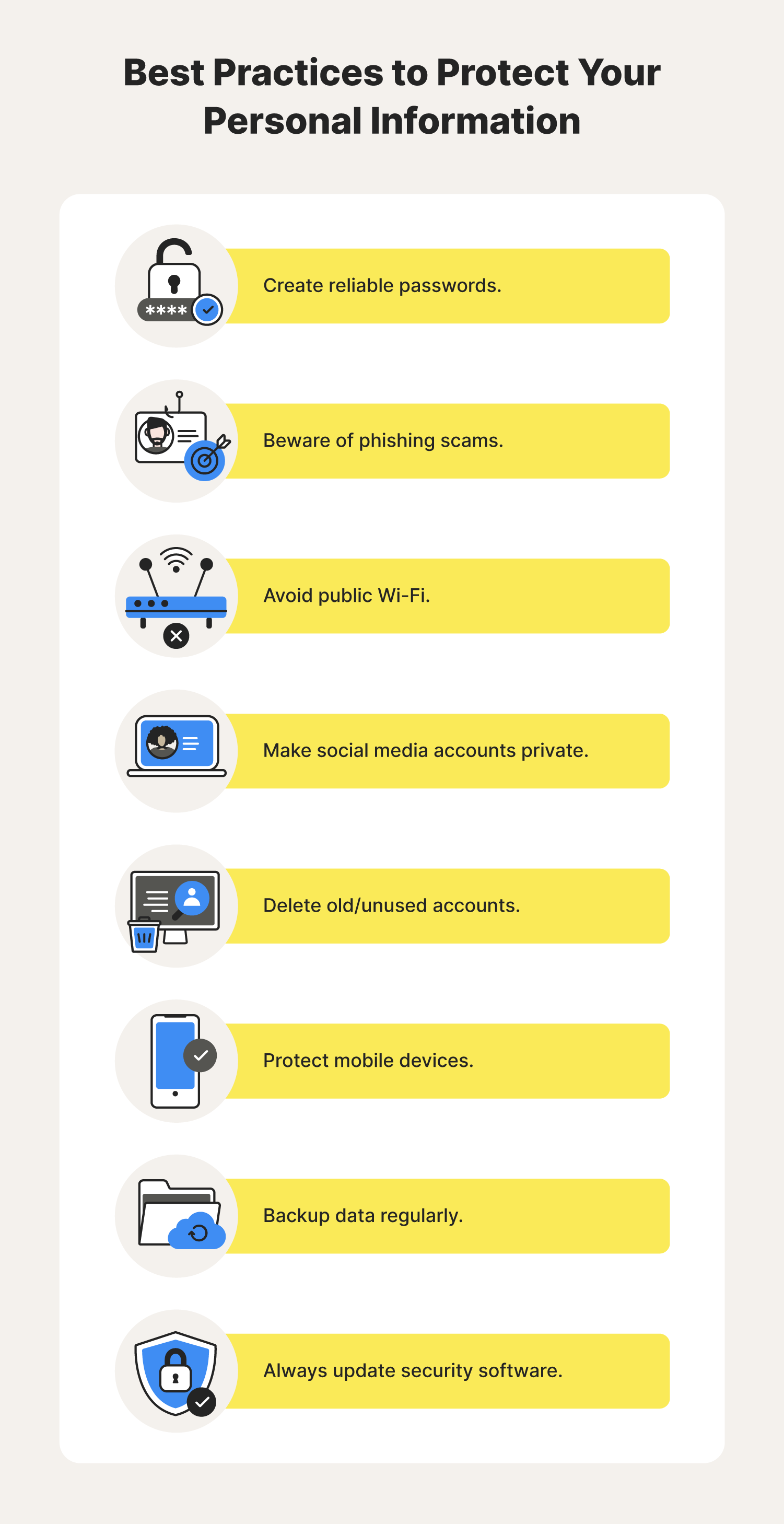
To protect personal data online, use strong, unique passwords and enable two-factor authentication. Regularly update your software and be cautious with public Wi-Fi.
How to Protect Personal Data Online:In today’s digital landscape, safeguarding personal data is more crucial than ever. Cyber threats, such as identity theft and data breaches, can have severe consequences. With increasing online activity, individuals must take proactive steps to secure their information. Simple practices, like using complex passwords and enabling security features, can significantly reduce risks.
Awareness of phishing scams and the importance of safe browsing habits also play vital roles in data protection. By implementing these strategies, you can create a safer online environment and enhance your digital privacy. Stay informed and vigilant to navigate the online world securely.
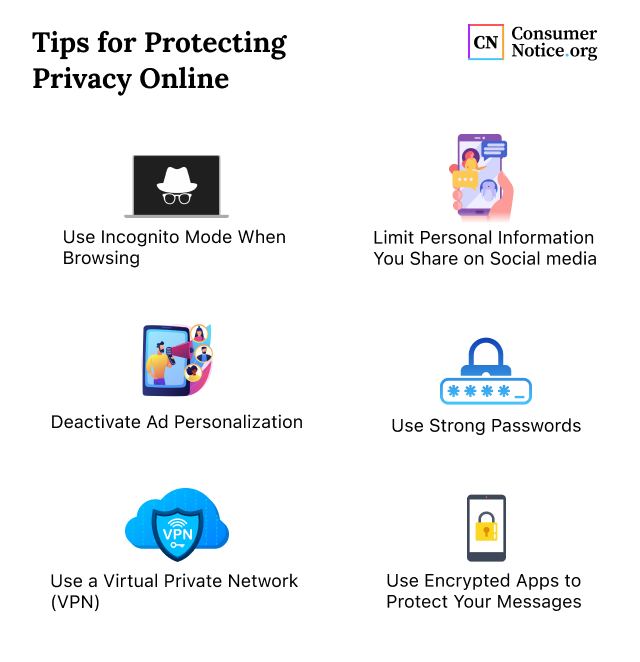
Credit: www.consumernotice.org
The Importance Of Personal Data Security
Personal data security is crucial in today’s digital world. Many people share personal information online. This data can include names, addresses, and bank details. Protecting this information helps prevent identity theft and fraud.
Understanding the importance of data security is essential. It not only safeguards personal information but also builds trust. Users feel safe sharing their data with companies that prioritize security.
Risks Of Data Exposure
Data exposure can happen in many ways. Here are some common risks:
- Phishing attacks
- Weak passwords
- Public Wi-Fi networks
- Outdated software
- Data breaches from companies
Each risk can lead to significant issues. Cybercriminals exploit these vulnerabilities to steal information.
Consequences Of Privacy Breaches
Privacy breaches can have severe outcomes. Here are some consequences:
| Consequence | Description |
|---|---|
| Identity Theft | Thieves use stolen data to impersonate victims. |
| Financial Loss | Fraudsters can drain bank accounts or make unauthorized purchases. |
| Reputation Damage | Individuals and companies can lose trust from customers. |
| Legal Issues | Companies may face lawsuits for failing to protect data. |
Each consequence highlights the need for strong data protection measures. Staying aware helps everyone protect their personal information.

Credit: www.researchgate.net
Identifying Sensitive Information
Understanding what constitutes sensitive information is crucial. Protecting this data helps safeguard your privacy. Identifying sensitive information allows you to take necessary precautions.
Types Of Personal Data
Personal data comes in various forms. Here are the main types you should be aware of:
- Name: Your full name can reveal much about you.
- Address: Home addresses can lead to physical threats.
- Phone Number: Can be used for unsolicited calls or scams.
- Email Address: Target for spam and phishing attacks.
- Social Security Number: Key for identity theft.
- Bank Information: Access to your funds can be dangerous.
- Health Records: Sensitive health information can be exploited.
Potential Vulnerabilities
Many factors can expose your sensitive information. Recognizing these vulnerabilities is essential.
| Vulnerability Type | Description |
|---|---|
| Weak Passwords | Easy to guess, making accounts vulnerable. |
| Public Wi-Fi | Unsecured networks can allow data interception. |
| Phishing Scams | Fraudulent messages trick users into sharing data. |
| Outdated Software | Old software may lack security updates. |
| Social Media Oversharing | Sharing too much can help attackers find you. |
Each vulnerability presents a risk. Stay vigilant to protect your information.
Strong Passwords: First Line Of Defense
Protecting personal data online starts with strong passwords. A robust password acts as a shield against unauthorized access. It is crucial to create passwords that are hard to guess. This section covers how to create complex passwords and manage them effectively.
Creating Complex Passwords
Complex passwords are essential for online security. Use the following tips to create strong passwords:
- Mix uppercase and lowercase letters.
- Include numbers and symbols.
- Avoid common words or phrases.
- Make it at least 12 characters long.
Here’s an example of a strong password:
| Password Example |
|---|
| G7%l@9kzQ!3bT |
Remember, the more complex your password, the harder it is to crack.
Managing Passwords Effectively
Managing passwords can be challenging. Use these strategies to keep track of them:
- Use a password manager. This tool stores all passwords securely.
- Change passwords regularly. Update them every three to six months.
- Enable two-factor authentication. This adds an extra layer of security.
Never reuse passwords across different accounts. This practice increases risk. Always ensure your passwords are unique.
Secure Internet Browsing Habits
Practicing secure internet browsing habits is crucial. It helps protect your personal data online. Simple steps can make a big difference in keeping your information safe.
Safe Surfing Practices
Follow these safe surfing practices to protect your data:
- Use a strong password for all accounts.
- Change passwords regularly.
- Avoid using public Wi-Fi for sensitive tasks.
- Enable two-factor authentication on accounts.
- Regularly update your software and apps.
- Be cautious with email attachments and links.
These habits make your online experience safer. They help prevent unauthorized access to your data.
Recognizing Secure Websites
Identifying secure websites is essential for safe browsing. Look for these signs:
| Indicator | Description |
|---|---|
| HTTPS | The URL starts with HTTPS instead of HTTP. |
| Padlock Icon | A padlock icon appears in the address bar. |
| Security Certificates | Check for valid security certificates on the site. |
Always verify these indicators. They show that the site is more trustworthy. Avoid sites without these features.
Social Media Privacy Settings
Social media privacy settings are crucial for protecting your personal data. They help control who sees your information and how it is shared. Understanding these settings can enhance your online safety.
Customizing Profile Security
Customizing your profile security is the first step. Each social media platform has different settings. Follow these steps to secure your profile:
- Log in to your social media account.
- Go to the settings menu.
- Find the privacy settings section.
- Adjust who can see your posts. Choose “Friends” or “Only Me.”
- Limit profile visibility to “Friends” or “Custom.”
Here is a quick overview of popular platforms:
| Platform | Profile Privacy Option |
|---|---|
| Friends, Public, Only Me | |
| Private Account | |
| Protect Your Tweets |
Controlling Data Sharing
Controlling data sharing keeps your information safe. Adjust these settings carefully:
- Disable location sharing in posts.
- Turn off app access to your profile.
- Review third-party apps linked to your account.
Check these points:
- Regularly review friend lists.
- Remove unknown contacts.
- Use two-factor authentication for added security.
These steps help maintain your privacy on social media.
Two-factor Authentication (2fa)
Two-Factor Authentication (2FA) adds an extra layer of security. It requires two forms of identification before access is granted. This helps protect your personal data from unauthorized access. Even if someone knows your password, they still need the second factor.
Enhancing Security With 2fa
2FA enhances security in several ways:
- Extra Layer: It requires more than just a password.
- Reduces Risk: It lowers the chance of hacking.
- Alerts: You get notified of suspicious activity.
Using 2FA makes it much harder for hackers. They need your password and the second factor. This significantly increases your online safety.